What Is an Anti Blue Light Screen Protector?
What does an Anti-Blue Light Screen Protector actually do? It is a clear or lightly tinted layer fitted over a phone, tablet, or computer display. Depending on its design, it may absorb or reflect some blue-violet visible light. The amount filtered varies by product, so the label alone does not tell the whole story. Check the manufacturer’s specifications and independent testing where available.
It is not a magic shield. A screen protector cannot remove all blue light, and evidence does not show that blue-light filters reliably prevent digital eye strain. Dry eyes, glare, small text, and long periods without breaks can also make screen use uncomfortable. A warm tint may be noticeable against white backgrounds. Colors can look different. That matters when editing photos or checking design work. Before buying, consider clarity, touch response, fit, and whether the filter changes the screen’s appearance. I would also compare its claims with practical features, such as an adjustable night display. Small changes help. But results differ from person to person. This guide explains how these protectors work, what their limits are, and what to check before choosing one.
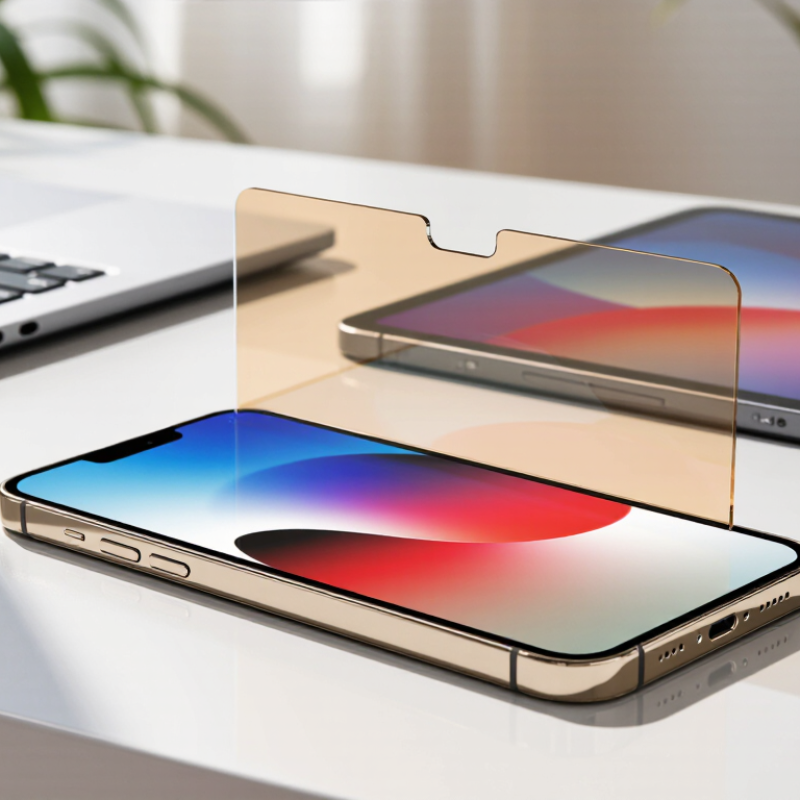
What an Anti-Blue-Light Screen Protector Is
What Is an Anti Blue Light Screen Protector?
An anti-blue-light screen protector is a clear or lightly tinted sheet placed over a phone, tablet, or computer display. Its material or coating reduces some blue-wavelength light passing through the screen. It is a filter, not a complete shield. The amount filtered varies by product, and a visible warm tint may change how colors look. A white page can appear slightly yellow.
Reducing blue light may help limit evening exposure, but it is not a guaranteed fix for tired eyes or poor sleep. Eye discomfort can also come from long periods of close focusing, glare, dry eyes, or an awkward screen position. Evidence about blue light from screens causing eye damage is limited; a protector should not be described as preventing it. I would not judge one by its label alone. Check whether its specifications explain the wavelength range and reduction level.
Tips: Compare the screen’s color before and after installation, especially if you edit photos or rely on accurate colors. Keep the screen clean, lower harsh brightness, and take regular distance breaks. Try changing display settings first; a protector may not suit everyone. If discomfort continues, consider advice from an eye-care professional.
What Is an Anti Blue Light Screen Protector? - What an Anti-Blue-Light Screen Protector Is | Dimension | What It Means | Practical Facts |
| Definition | A transparent or tinted screen covering designed to reduce transmission of some blue or blue-violet light from the display. | It is a light-filtering accessory; its effect depends on the material and the wavelengths it filters. |
| Light range | Blue light is part of visible light. The blue-violet region is commonly described as roughly 400–500 nanometers, although boundaries vary by convention. | Blue light is not the same as ultraviolet light, which is generally defined as wavelengths shorter than visible light. |
| How filtering works | The protector’s material or coating absorbs or reflects some wavelengths while allowing other visible light through. | Products can differ substantially. A clear-looking protector should not be assumed to block a particular amount without wavelength-specific test data. |
| Filtering strength | The amount filtered is expressed as a percentage for a stated wavelength or wavelength range. | A single percentage can be misleading unless the tested wavelength range and measurement method are also provided. |
| Appearance and color | Stronger filtering may give the screen a warm, yellow, or amber appearance. | Color shifts can affect photo editing, design work, and other tasks that depend on accurate color perception. |
| Eye comfort | A protector may change the light reaching the eyes, but digital eye discomfort has several possible causes. | Dryness, reduced blinking, prolonged near work, glare, and viewing habits can contribute to discomfort; filtering blue light alone is not a guaranteed solution. |
| Sleep considerations | Light exposure in the evening can influence the body’s circadian system, with effects depending on timing, intensity, and duration. | A screen protector’s effect on sleep depends on how much light it filters and how the device is used. It should not be treated as a guaranteed sleep aid. |
| Choosing one | Compare the stated wavelength range, measured transmission data, clarity, color shift, and compatibility with the device. | Look for test details rather than relying only on broad claims such as “blue-light blocking.” |
| What it does not establish | A filtering claim does not by itself demonstrate that a protector prevents eye disease or eliminates screen-related discomfort. | Do not interpret blue-light filtering as proof of protection from every potential effect of screen use. |
How Anti-Blue-Light Filters Work
An anti-blue-light screen protector uses a tinted or coated layer to reduce some blue-violet light passing from a display toward your eyes. The filter may absorb certain wavelengths or reflect part of them. Its effect depends on the material, thickness, and wavelength range it targets. Not every protector filters light equally, so claims can be hard to compare without clear test details.
The screen still produces light, and the filter does not make it disappear. Some protectors add a warm tint, which can change how photos and colors look. That matters. Evidence that blue-light filters prevent digital eye strain remains limited; dryness and discomfort often relate to long periods of near work, glare, or infrequent blinking. It is easy to expect one layer to solve everything. It may not.
Tips: Check for published spectral-transmission data, and compare it with your screen’s intended use. Try the protector in daylight before relying on its color accuracy. Keep brightness comfortable, reduce reflections, and look away regularly. If eye discomfort persists, consider getting advice from an eye-care professional.
Common Types and Materials
Anti-blue-light screen protectors come in several forms, and their materials affect clarity, feel, and durability. Clear versions use a filtering layer or coating designed to reduce some blue wavelengths while keeping colors relatively natural. The exact amount filtered varies by product, so look for independent test details rather than relying on a yellow tint as proof. Some filters visibly warm the screen. That can matter when editing photos or checking color-sensitive work.
Material shapes everyday use, too. Tempered glass feels smooth and resists scratches from keys or grit, but it can add thickness and may crack after a hard impact. PET film is thin and lightweight, though it usually offers less impact protection. TPU film bends around curved displays and can feel softer under a fingertip. Matte finishes cut reflections, but may make text look slightly grainy. Small trade-offs. Installation can also leave bubbles or dust beneath the protector, especially in a bright room. Blue-light filtering should not be treated as a proven fix for eye strain; glare, screen distance, and long periods without breaks can also contribute. A protector’s comfort is personal, and claims deserve a second look.
Potential Benefits and Limitations
An anti-blue-light screen protector uses a tinted or coated layer to reduce some short-wavelength visible light from a display. The amount varies by material, and a clear-looking film may block very little. In use, it may make a bright screen feel less harsh in a dim room, especially during evening reading. Some people notice less glare or discomfort. Others notice no difference. That matters. Digital eye strain often relates to prolonged close-up focus, dry eyes, glare, and fewer complete blinks—not blue light alone.
Evidence that blue-light filtering prevents eye damage or reliably eases eye strain remains limited. Comfort is personal, not guaranteed. A protector may alter whites, reduce brightness, or make color work less accurate. Someone checking paint shades, for example, should compare colors on an unfiltered display. Poorly fitted film can trap bubbles or collect dust along its edges. For sleep, dimming the screen and setting it aside before bed may matter more than adding a filter. The product label can sound more certain than the evidence warrants. Treat it as a possible comfort aid, not a fix for persistent headaches, blurred vision, or eye pain.
How to Choose and Use One
Choosing an anti-blue-light screen protector starts with your device’s exact model and screen size. Even a small mismatch can leave a bright edge exposed or cover a camera. Check whether the filter is clear, tinted, or reflective, since each can change color and contrast. Read the transmission details when available; blue-light blocking percentages are not always measured the same way. Look for smooth edges, full touch response, and compatibility with your case. Try it in daylight and under warm indoor lamps. Color matters. An amber tint may make white pages look yellow, while a subtle filter may feel easier for everyday work.
Before applying it, wash and dry your hands, then clean the screen with a lint-free cloth. Work in a low-dust room; a steamy bathroom can help settle airborne dust, though it is not foolproof. Align the protector carefully, lower it from one edge, and push bubbles outward with a soft card. Lift and reposition only if the instructions allow it. Not a cure. Repeated peeling can weaken adhesive. After fitting, wipe gently and avoid abrasive cleaners that may damage coatings. A protector can reduce some blue wavelengths, but results vary by material and test method. It cannot guarantee better sleep or prevent eye strain; brightness, viewing distance, and breaks also matter. Use a comfortable brightness and look away from close work regularly. I still find fit and color easier to judge in person, and that judgment is imperfect.
What Is an Anti-Blue-Light Screen Protector?
Approximate Visible-Light Wavelength Bands
An anti-blue-light screen protector is designed to reduce some blue light passing through a display. The chart shows approximate wavelength ranges, not a protector’s filtering performance; band boundaries can vary by convention. To choose one, look for published spectral-transmission data and follow the fitting instructions. Filtering varies between products.
